Universal TV remote: one remote for three devices
A universal TV remote replaces the pile of remotes on your coffee table with a single handset. Most models control up to three devices, typically a TV, a streaming box or cable receiver, and a soundbar or DVD player. Setup takes about 5 to 10 minutes if you have the brand codes handy.
Prices are around $8 to $25 for a basic infrared model. Learning remotes and Bluetooth hybrids run higher, often $30 to $60.
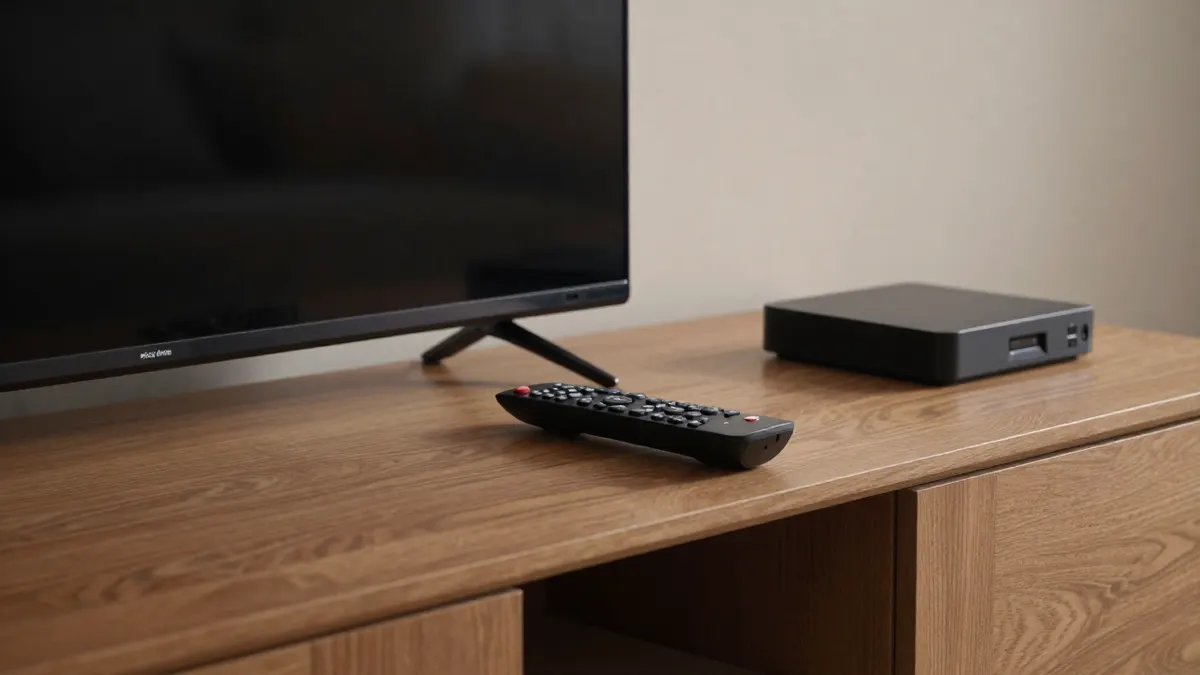
How a Universal TV Remote Works
Almost every universal remote sends infrared signals, the same invisible light your original remotes use. Each brand has its own command set, so the remote stores a library of codes. You tell it which brand you own, and it speaks that language.
Infrared needs a line of sight. Point it at the device from within roughly 25 to 30 feet, and keep furniture doors open if the receiver sits inside a cabinet.
Setting It Up in Three Ways
Direct code entry
This is the fastest route. Hold the device button (TV, for example), type the 3, 4 or 5 digit code listed in the manual for your brand, then test power and volume. If the volume works but the input button does not, try the next code on the list for that brand.
Auto code search
Use this when your brand is missing from the booklet. The remote cycles through its library, sending a power-off signal every second or so. When your TV turns off, you press a key to lock the code. It can take a few minutes, since libraries hold hundreds of entries per device type.
Learning mode
Some remotes copy buttons from your old remote, one at a time. It is slower, but it rescues older or obscure equipment that no code list covers. Keep the original remote until the job is done.
What to Check Before Choosing One
Compatibility comes first. Check that the packaging or manual lists your TV brand, and be careful with newer smart TVs, because some rely on Bluetooth or Wi-Fi rather than infrared for certain functions.
Then look at the buttons. A remote with a dedicated input key, a proper number pad and a menu cluster saves frustration. Skip models with tiny, crowded keys if you have a large screen and a dim living room.
- Number of devices supported (three is common, four or more costs extra)
- Backlit keys for evening use
- Battery type, usually two AAA cells lasting 6 to 12 months
- Macro or activity buttons that run several commands at once
Smart TVs, Streaming Sticks and Voice Buttons
Here a basic universal remote often falls short. Voice search, app shortcuts and pointer controls usually depend on the original remote, because they use Bluetooth. A universal model can still handle power, volume, channel, input and navigation, which covers most daily use.
If you mostly watch through a streaming stick, the universal remote may be a backup rather than a replacement. Keep that in mind before paying for extra features you will not touch.
Fixing Common Problems
Dead keys after a battery change are common. Remove the batteries, hold any button for about 10 seconds to drain residual power, then reinsert fresh ones and retest.
If only some functions work, the code is close but wrong. Run through the other codes for your brand. If the remote controls the wrong device, check that you pressed the right device key before sending a command.
Bright sunlight and some LED or fluorescent bulbs can interfere with infrared. Shade the receiver or move the lamp if the signal drops out at certain times of day.
Other Small Household Gadgets Worth Pairing With It
Many people tidy the living room in one go. A wallet-sized idea like RFID blocking protection suits the same practical mindset when you sort out everyday items, and a quick-clean tool such as the EZclean magic brush helps with dusty remote buttons and TV stands. Neither affects how the remote works, but they fit a tidy-up weekend.
Another common pick in home gadget roundups is the H2O Shield water-repellent coating, sprayed on shoes and fabrics. It has nothing to do with television, though.
Frequently Asked Questions
Can one universal remote control a soundbar too?
Yes, in most cases. Soundbars use infrared like TVs, so you assign one of the device slots to it and enter its brand code. Models limited to three devices will cover TV, soundbar and one more box.
Why does my remote turn the TV on but not change inputs?
The code you entered is only partly compatible. Try the next code listed for your brand, and test power, volume and input after each one. Often the third or fourth code works fully.
Do I need to reprogram it after changing batteries?
Usually no. Most remotes keep codes in memory for a few minutes without power. If you leave the battery slot empty for longer, or the memory resets, you may need to enter codes again, so write them down.
Will it work with a smart TV?
For basic controls, yes. Power, volume, channels and menu navigation generally work through infrared. Voice search and app-specific buttons often stay exclusive to the original remote.